30 June 2026
Steps every church can take to stay cyber-secure
Every congregation now depends on technology. Giving platforms, email, websites, livestreaming, rosters, cloud storage, finance systems, social media and pastoral communication all carry trust. That makes cyber security part of digital hospitality: keeping the online doors open for ministry while protecting the people who enter.
Churches can become targets because they are public, trusted, relationship-driven and often volunteer-supported. Attackers know that urgent requests from a pastor, treasurer, board member or ministry leader can feel believable. They also know that many churches carry donation records, personal contact details, children and youth information, livestream accounts, website logins and financial systems without a large internal IT team.
The United States has recognised this clearly through CISA resources for faith-based communities and houses of worship. Australia has useful general cyber guidance through organisations such as the Australian Signals Directorate's Australian Cyber Security Centre and the ACNC, but there is less faith-specific packaging for local churches. That gap is one reason practical, plain-English support matters.
1. Think twice before clicking. If an email seems urgent, surprising or out of character, pause. Verify the sender through another channel such as a phone call, text message or known contact method. One quick check can stop a false invoice, gift card scam or stolen password from becoming a major incident.
2. Use strong passwords and multi-factor authentication. Passwords should be long, unique and not reused across sites. Multi-factor authentication adds another proof that it is really you. Start with email, finance, website, social media, cloud storage and administrator accounts.
3. Limit permissions. Access should follow roles, not convenience. Volunteers do not need administrator access to financial records, and staff accounts should be separated from shared ministry accounts. When someone leaves a role, disable access promptly rather than waiting until the next tidy-up.
4. Back up data regularly and securely. Use cloud backups where appropriate, but also think about whether ransomware or a compromised administrator account could reach every copy. Keep at least one important backup separate from the main system, and occasionally test that it can actually be restored.
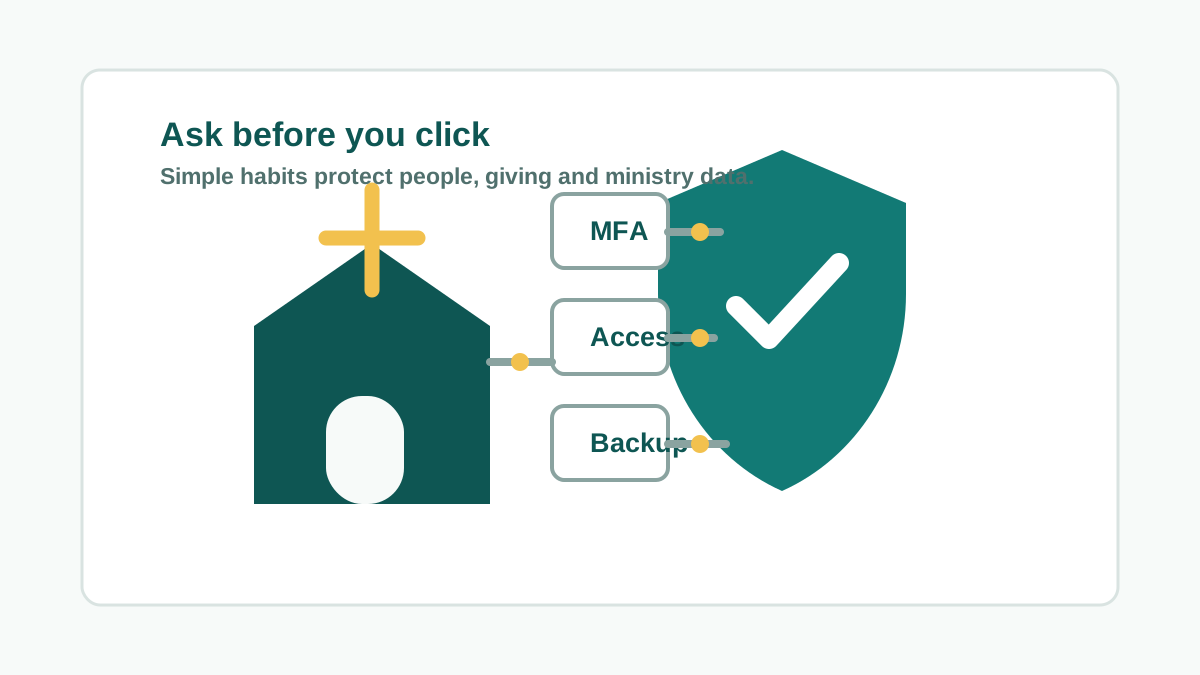
5. Train and test your team. Cyber security training should be part of the yearly rhythm for staff, board members and key volunteers. Short reminders, simple scenarios and occasional phishing tests can build a culture of “ask before you click” without turning everyone into security specialists.
Bonus step: review staff and volunteer transitions. Old accounts, shared passwords and forgotten administrator access are common weak points. Offboarding should include email, Microsoft 365 or Google Workspace, website access, social media, livestreaming, giving platforms, church management software, door systems, Wi-Fi, camera systems and shared devices.
None of this has to be dramatic. The strongest starting point is usually a calm review of what exists, who has access, what would happen if an account was compromised, and whether the church could recover its important data. From there, leaders can make staged decisions that fit the church's size, budget and volunteer capacity.